Configuration: Language
File > Language (No /Lang Folder present)
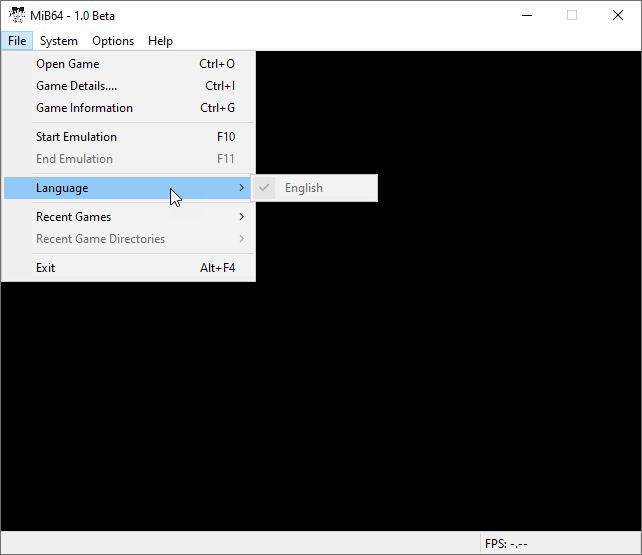
Hover to zoom
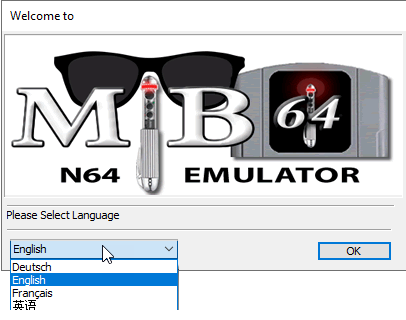
On load if /Lang Folder is present in Root /Lang
Hover to zoom
The first time MiB64 is started, it asks you to choose a language if the Lang Folder is present.
The choices available depend on the contents of the /Lang folder. MiB64 v1.0 shipped with a reasonable—but of course far from complete—set of translations included (thanks to everyone who made them!).
If the language you want is not in the list, seek an updated/alternative file or make/edit one yourself!
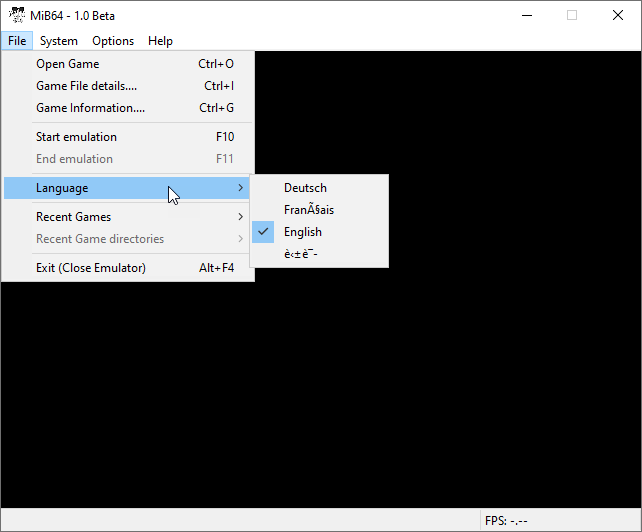
File > Language (/Lang Folder present)
Hover to zoom
To change languages at a later date, use the Language menu under the File menu in MiB64.
Simply click an entry in the list and you should see the GUI text update immediately.